USB-C → USB-C
Maximum Power: Up to 100W
Best for laptops, tablets, and USB-C smartphones.
Use this connection for the highest charging performance with a compatible USB-C PD or PPS charger.

User Guide & Product Manual
Model: AV-OM100P
Product Type: 4-in-1 Magnetic Fast Charging & Data Cable
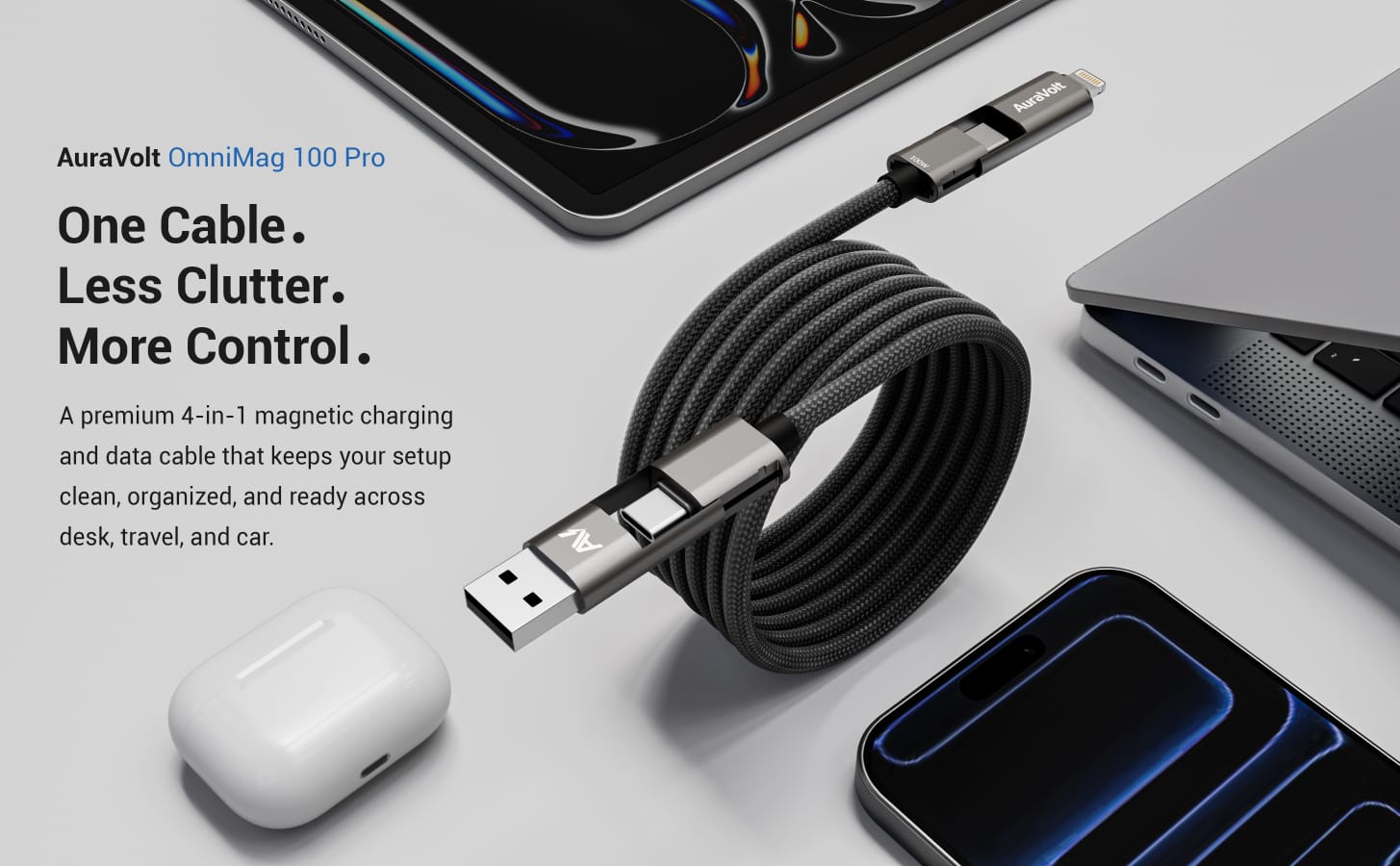
Thank you for choosing AuraVolt OmniMag 100 Pro.
OmniMag 100 Pro is designed to simplify everyday charging with a versatile 4-in-1 connector system, magnetic self-organizing cable design, up to 100W USB-C PD charging, and up to 480 Mbps data transfer for compatible devices.
This guide will help you understand how the cable works, how to use each connection type, and how to keep your cable organized in daily use.
Note: Charger, wall adapter, and devices are not included.
OmniMag 100 Pro is an integrated 4-in-1 magnetic fast charging cable designed for USB-C, USB-A, and Lightning devices.
The cable structure is:
USB-A + USB-C → USB-C + Lightning
Input Side:
Output Side:
The USB-A and Lightning outer heads can stay attached for convenience, or they can be removed when you only need USB-C connections.
The cable also features internal magnets along the braided cable body, helping it stay organized without cable ties.
OmniMag supports four charging configurations:
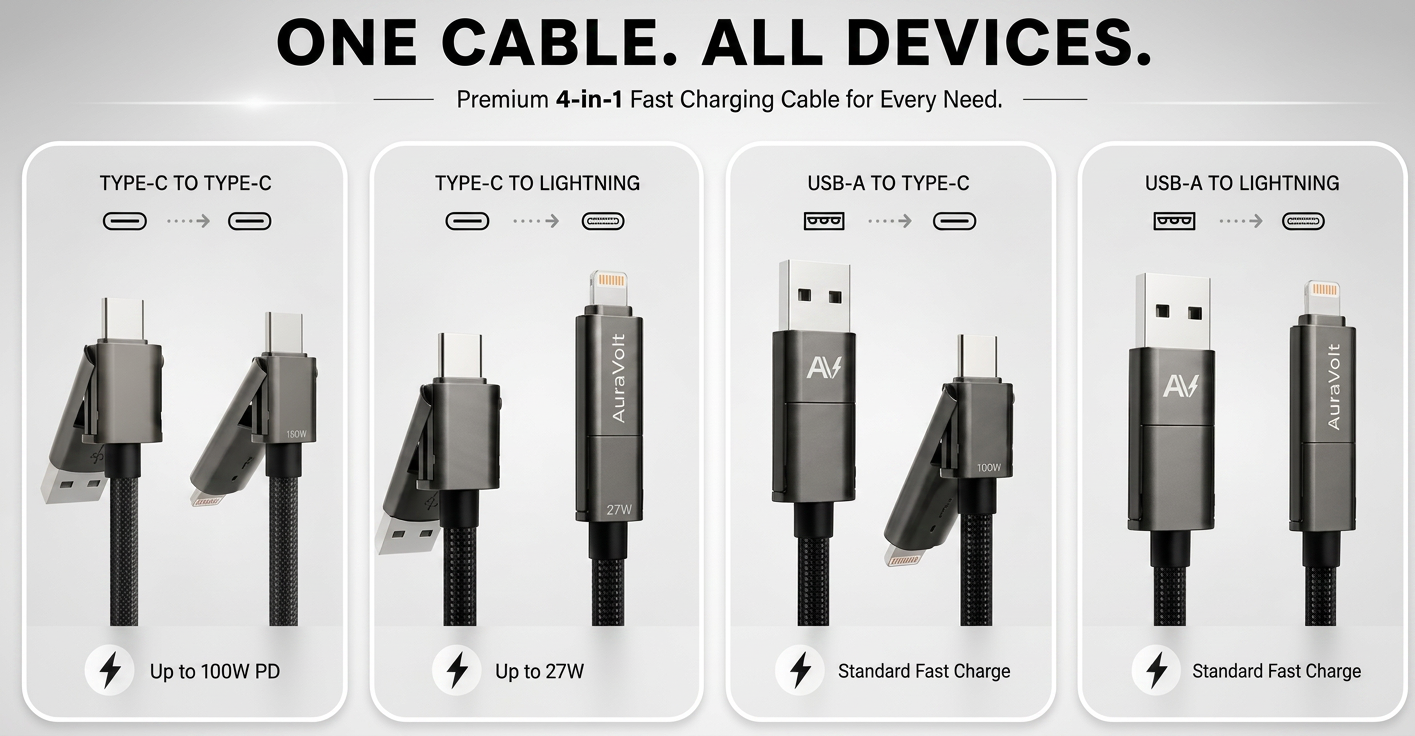
Maximum Power: Up to 100W
Best for laptops, tablets, and USB-C smartphones.
Use this connection for the highest charging performance with a compatible USB-C PD or PPS charger.
Maximum Power: Up to 27W
Best for iPhone and Lightning devices.
Use this connection for fast charging Lightning devices with a compatible USB-C charger.
Maximum Power: Standard Fast Charge
Best for USB-A wall chargers, power banks, older adapters, and car USB-A ports.
Maximum Power: Standard Fast Charge
Best for standard Lightning charging from USB-A chargers or USB-A car ports.
Charging speed depends on your charger, device, and selected connection type.
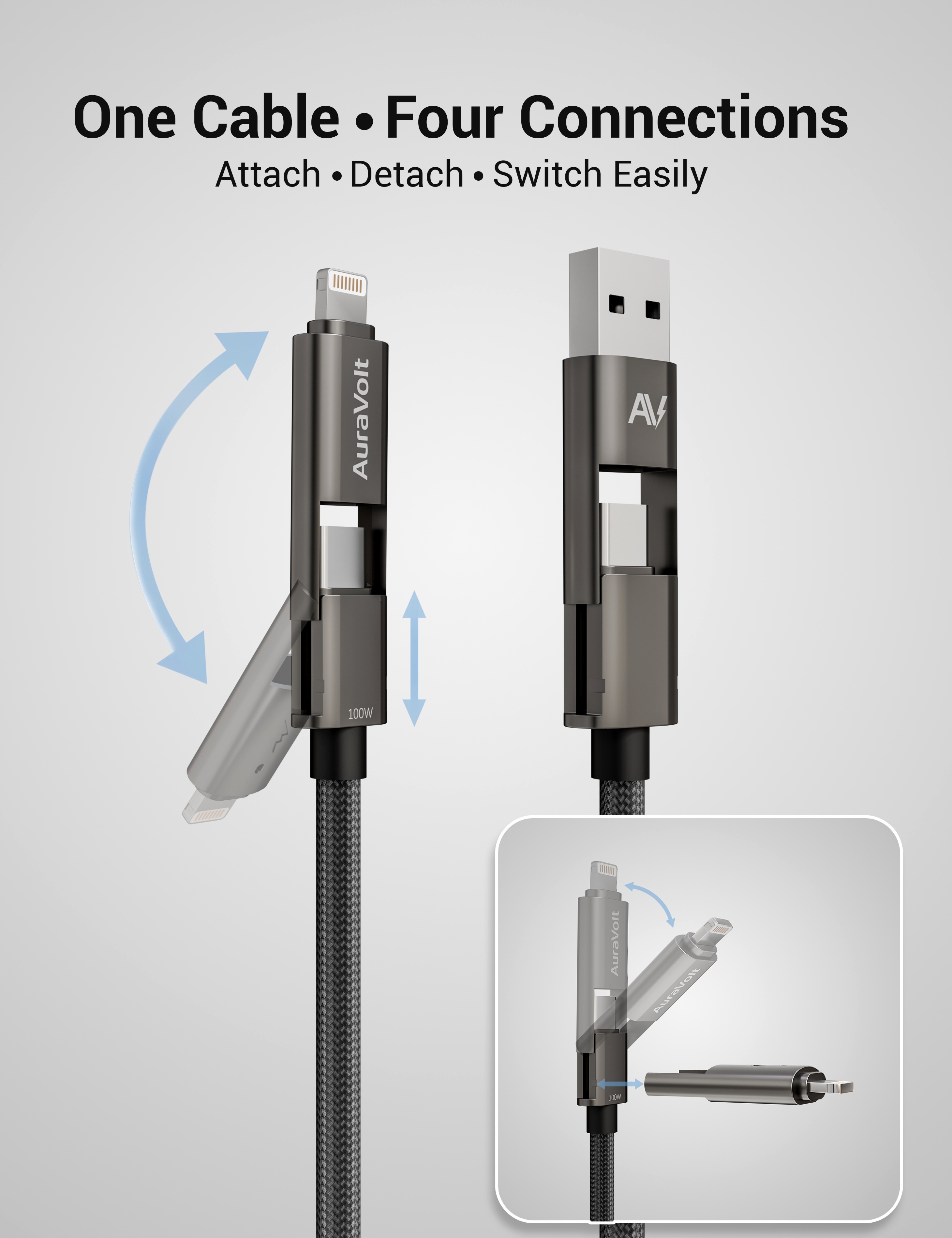
OmniMag is designed for flexible daily use.
You can keep the USB-A and Lightning heads attached when you regularly switch between different chargers and devices.
This is useful for:
If you mainly use USB-C devices, you can remove the USB-A and Lightning outer heads to simplify your setup.
You can reattach them anytime when needed.
Important:
Always check that the detachable head is properly attached before use. A loose connector shell may affect charging or data stability.
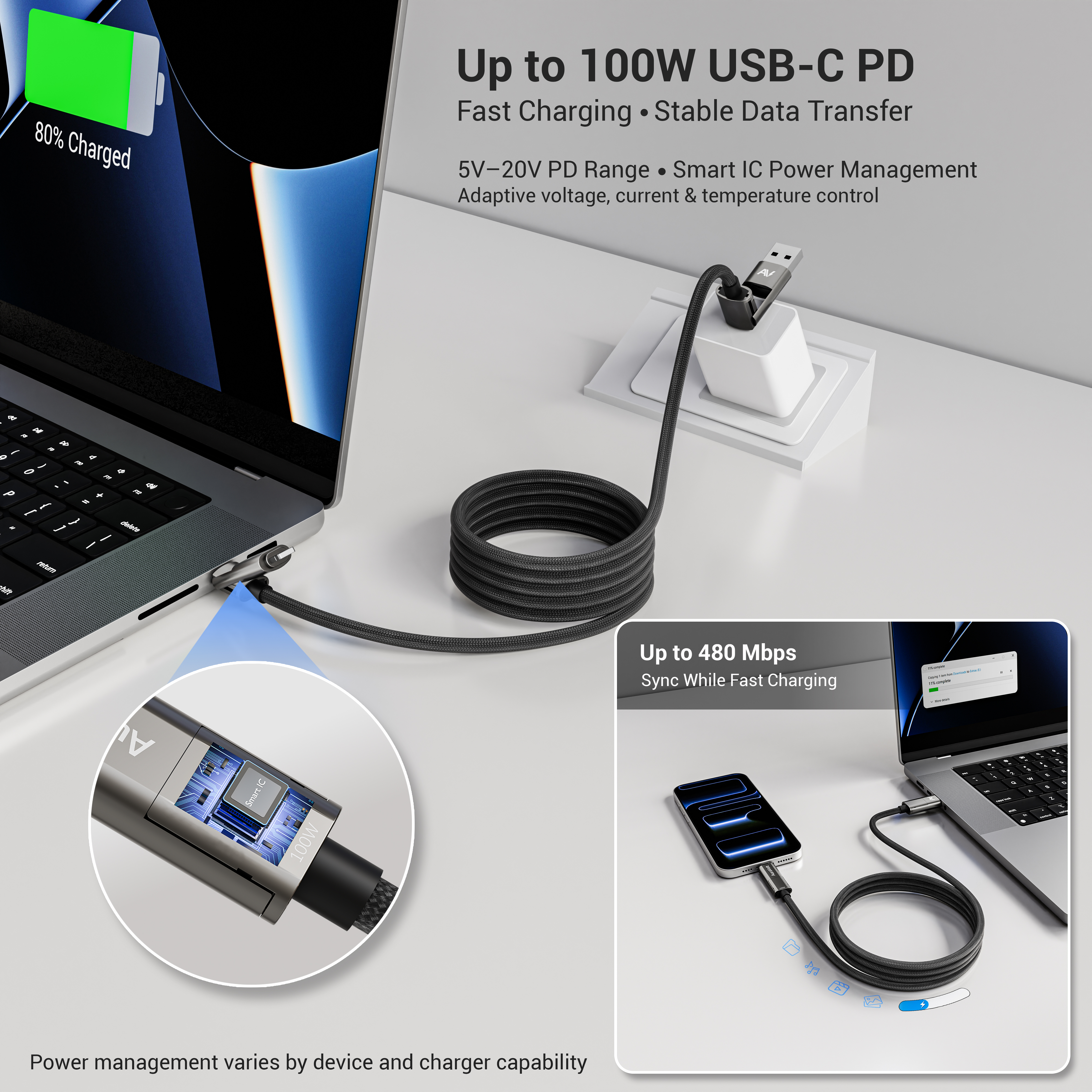
OmniMag 100 Pro supports:
For best performance:
Power management and charging speed may vary by device and charger capability.
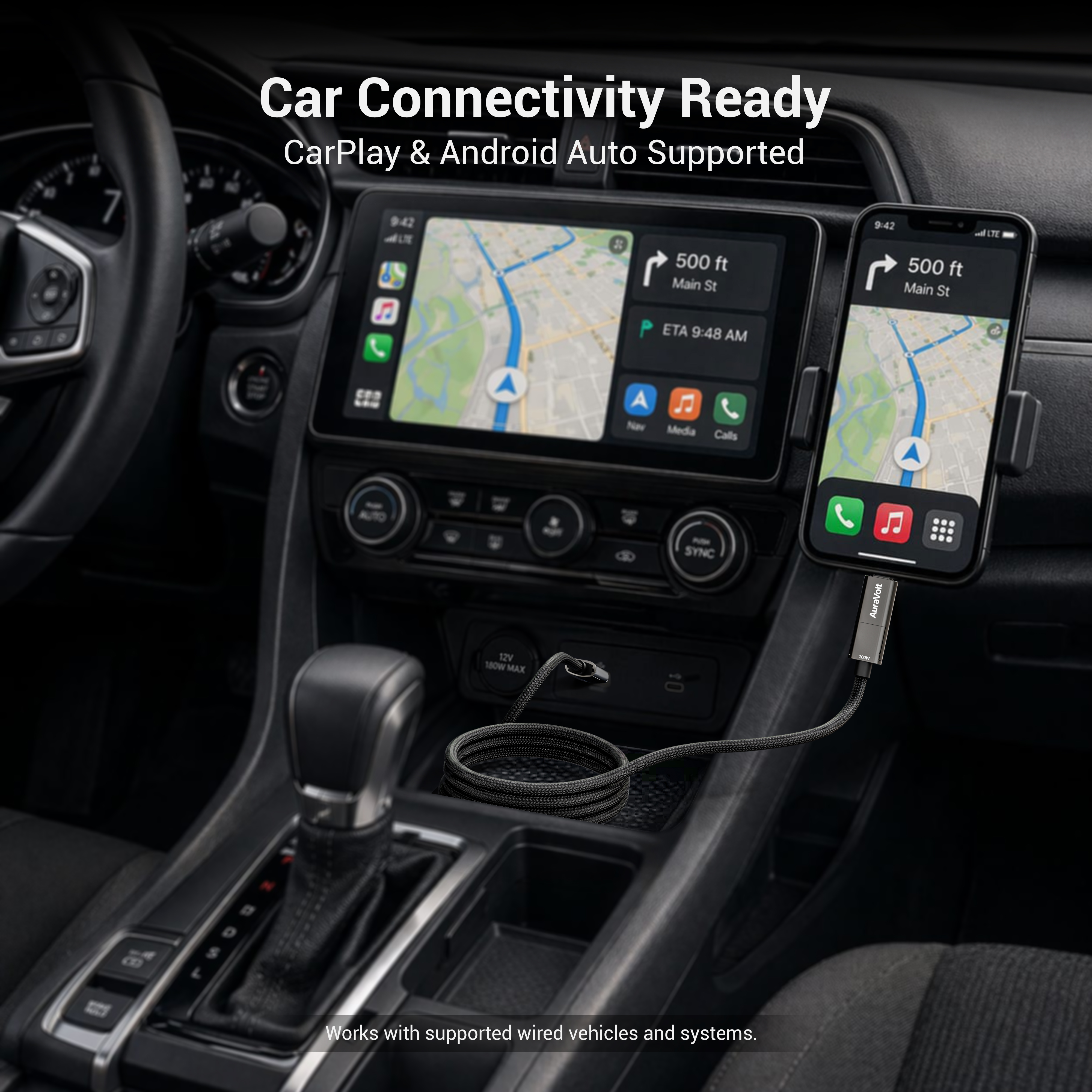
OmniMag 100 Pro supports data connection for compatible wired CarPlay and Android Auto systems.
To use in a car:
Important:
Compatibility depends on your vehicle, phone, software, and whether the car port supports data. Some ports are charge-only.
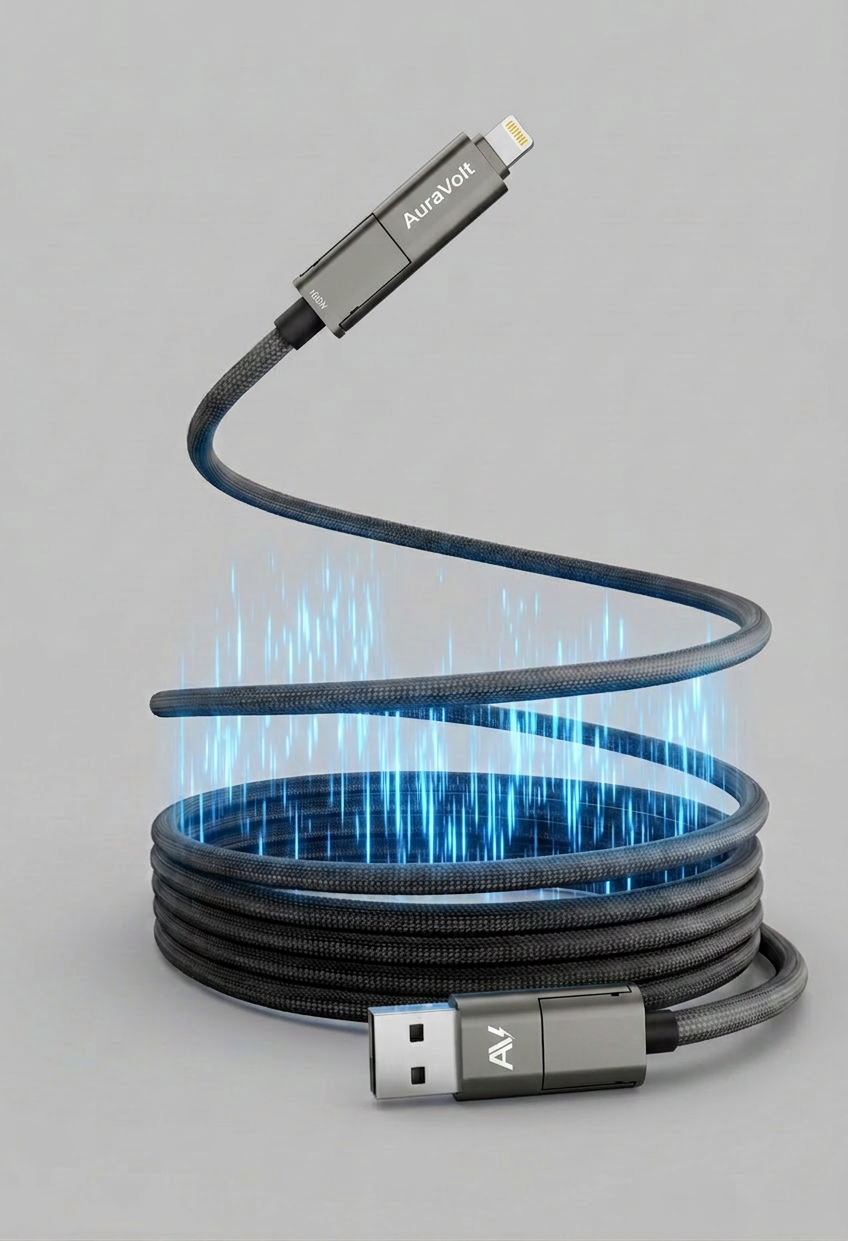
OmniMag 100 Pro is not a retractable cable.
It does not automatically retract, snap back, or coil itself after full extension.
Instead, the cable uses internal magnets along the braided body to help you organize it more easily.
These magnets are distributed along the cable length, so when you guide the cable into a loop, nearby sections naturally align and stay in place with light magnetic hold.
The design focuses on organization, not motorized movement. In practice, this means you control the cable shape manually while the magnetic structure helps reduce spring-back and messy tangles after use.
The simple idea is:
You coil it.
The magnets help hold it.
When only part of the cable is extended, the unused section can stay neatly coiled near the charger.
This helps keep desk setups, bedside areas, car consoles, and travel spaces cleaner and more controlled.
If you fully straighten the cable during use:
Important:
The cable does not automatically retract or snap back. The magnets help maintain the shape after you coil it.
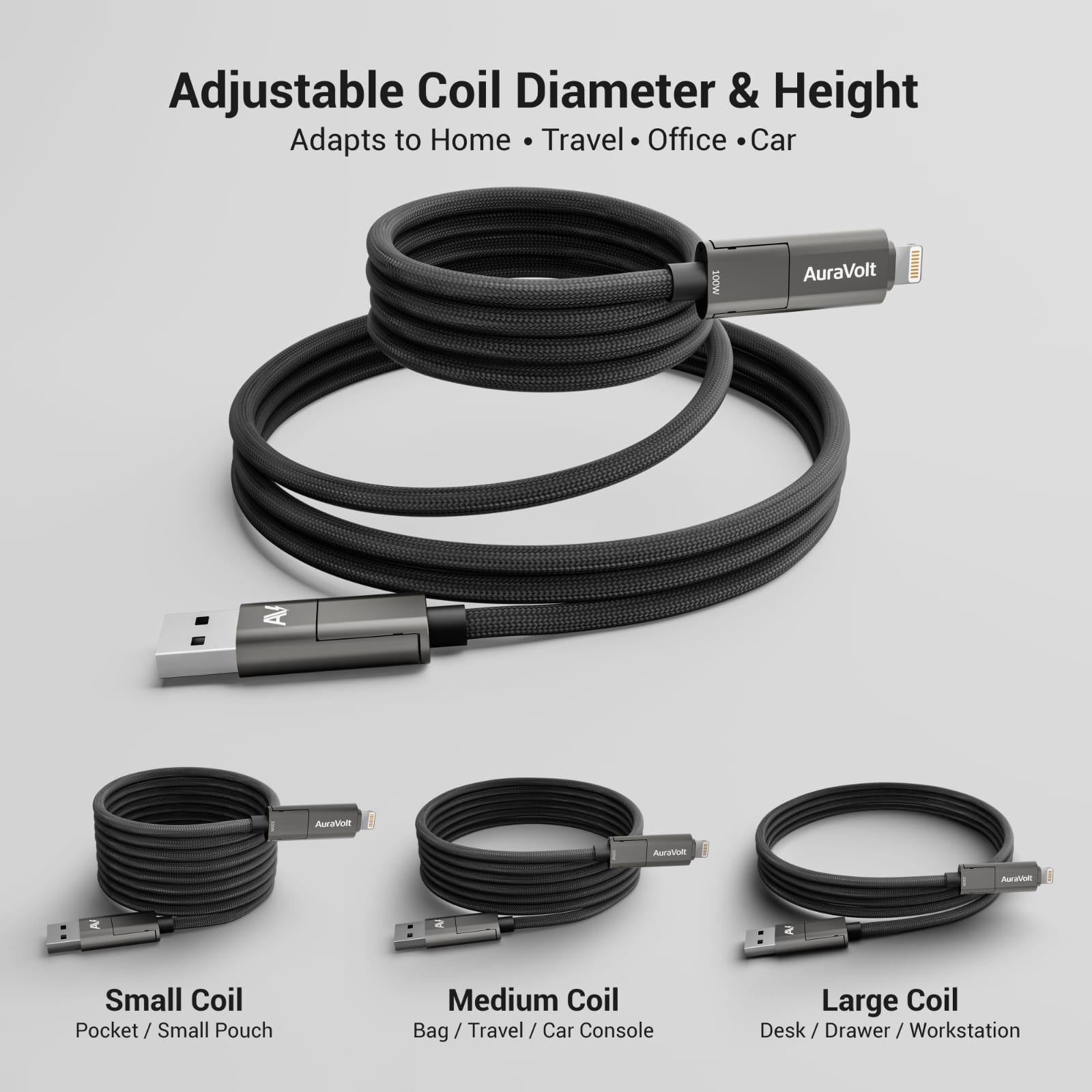
You can coil OmniMag 100 Pro in different sizes depending on how you use it.
Best for pockets, small pouches, and compact everyday carry.
Best for bags, travel organizers, and car consoles.
Best for desks, drawers, workstations, and quick access.
This adjustable coil behavior helps the cable adapt to home, office, travel, and car use.
OmniMag 100 Pro is designed for everyday tech routines.
Use it for:
The magnetic structure helps reduce loose cable clutter and keeps your setup cleaner.
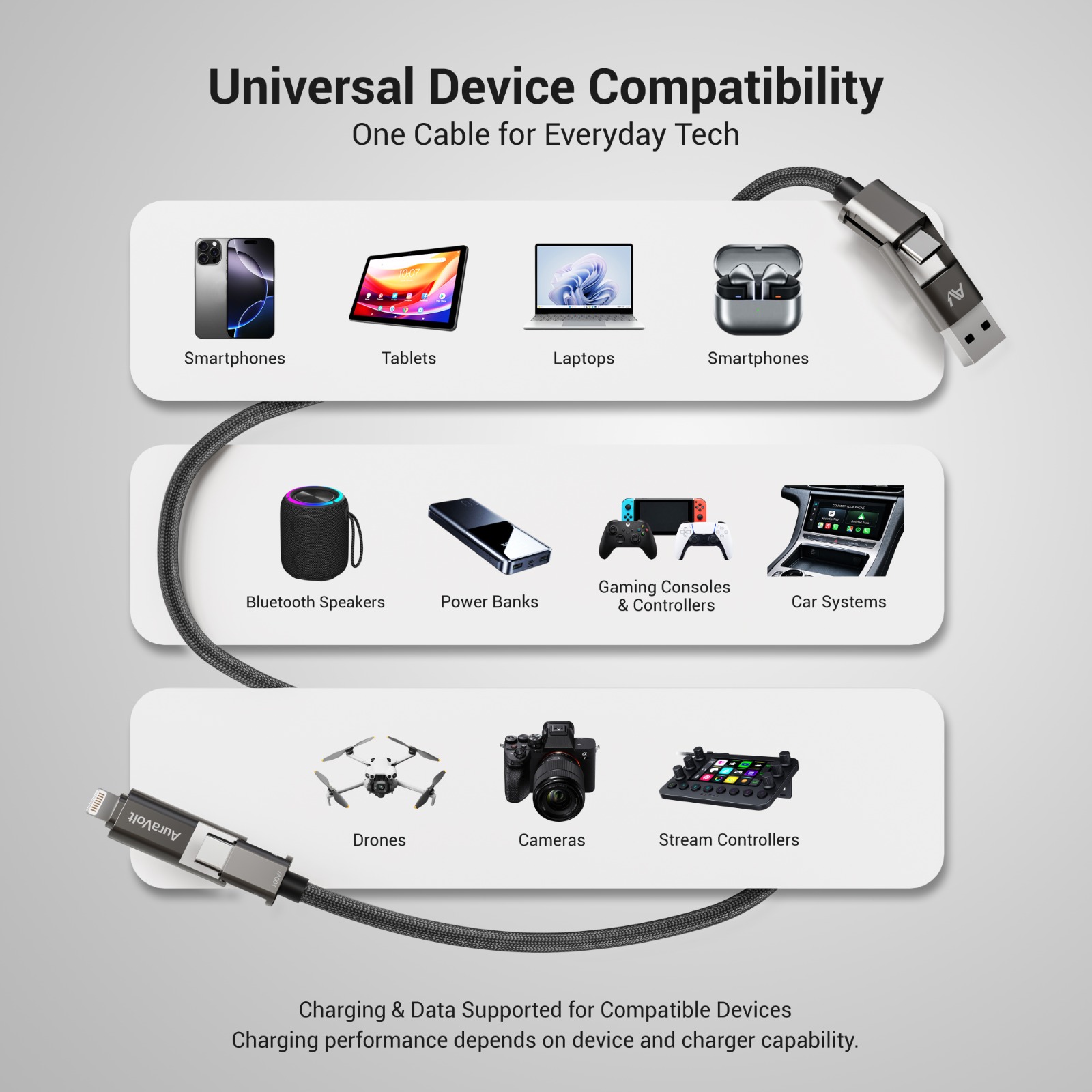
OmniMag 100 Pro is compatible with many USB-C and Lightning devices, including:
Charging and data performance depend on the device, charger, port, and cable connection used.
To keep your cable performing well:
Proper handling helps extend cable life and maintain stable charging.
Check that:
For highest performance, use USB-C to USB-C with a compatible USB-C PD or PPS charger.
This is normal.
OmniMag 100 Pro is not a retractable cable. After use, coil it manually and the magnets will help hold the shape.
Remove the shell, align it carefully, and reattach it fully before use.
If it still feels loose, stop using that connector setup and contact AuraVolt support.
Check that:
Check that:
Some vehicle ports are for charging only and do not support data.
AuraVolt OmniMag 100 Pro includes a 12-Month Limited Warranty covering manufacturing defects in materials or workmanship under normal use.
This warranty does not cover damage caused by misuse, accidents, unauthorized modification, improper handling, or normal wear and tear.
To activate your warranty, click the link below.
Activate WarrantyIf you need help, AuraVolt support is ready to assist.
Email:
support@auravolt.coTypical response time:
24–48 hours
When contacting support, include:
AuraVolt designs premium charging solutions built for everyday performance, reliability, and elegance.
Power • Elegance • Order in Motion